
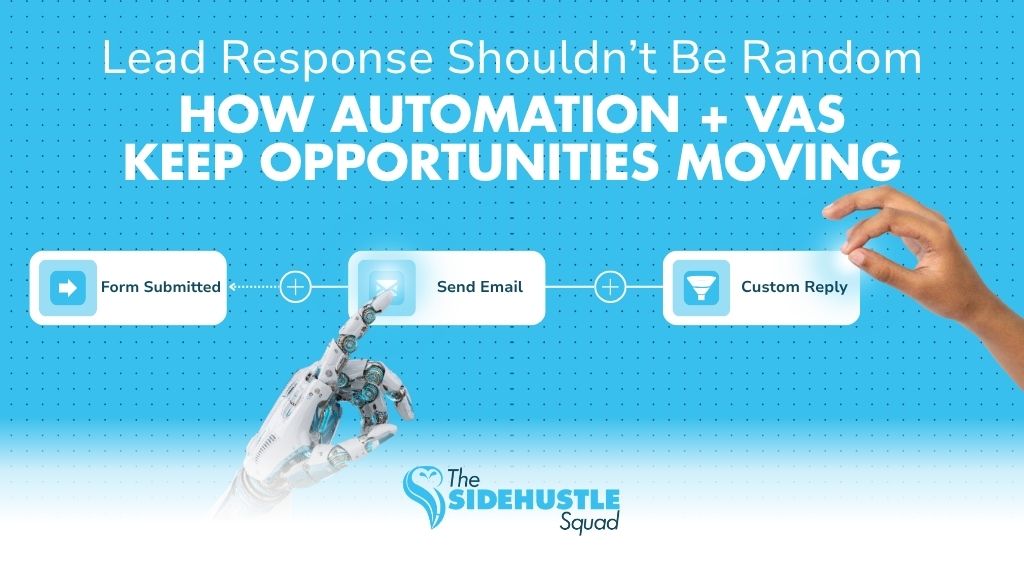
Many businesses don’t lose leads because they lack inquiries. They lose them because their response system is inconsistent.
A message gets buried in an inbox.
A follow-up is forgotten.
A lead goes cold while the team is busy handling other priorities.
Over time, these small gaps quietly affect revenue.
This is why more businesses are building structured systems that combine automation with human support. A lead response automation virtual assistant setup helps businesses respond faster, track conversations properly, and maintain consistent follow-through without overwhelming internal teams.
The goal is not simply to automate replies. It’s to create a workflow where speed and human coordination work together.
Why Slow Lead Response Costs Businesses Opportunities
Lead response speed matters more than many businesses realize.
When inquiries sit unanswered, prospects often move on quickly, especially in competitive industries.
Some of the most common problems include:
• Missed inquiries hidden inside busy inboxes
• Forgotten follow-ups after initial contact
• Leads going cold due to delayed responses
• Inconsistent tracking across spreadsheets or CRMs
In many SMEs, lead management depends heavily on memory and manual effort.
At first, this feels manageable. But as inquiry volume increases, the system starts breaking down.
This is where a structured lead response automation virtual assistant workflow becomes valuable.
What Automation Should Handle in a Lead Response System
Automation works best when handling repetitive and time-sensitive actions.
Its role is to create speed and consistency at the start of the process.
Instant Confirmation Messages
When a lead submits a form or inquiry, automation can immediately:
• Send a confirmation email
• Acknowledge receipt
• Set expectations for next steps
This reassures them that their inquiry was received.
Lead Source Tracking
Automation can automatically capture:
• Where the lead came from
• Campaign attribution
• Form details
• Contact information
This improves visibility and reporting accuracy.
Pipeline Movement
Leads can automatically move into the correct CRM stage based on actions taken.
For example:
• New inquiry
• Contacted
• Qualified
• Booked
This keeps pipelines organized without manual updates.
Reminder Triggers
Automation can create reminders for:
• Follow-up deadlines
• Pending replies
• Missed appointments
• Unresponsive leads
This prevents opportunities from being forgotten.
Where Virtual Assistants Add the Human Layer
Automation creates speed but virtual assistants create continuity.
A lead response automation virtual assistant setup works because the VA manages the areas that require judgment and coordination.
Checking Replies
• A VA monitors incoming responses and ensures conversations continue moving forward.
Instead of relying solely on automated sequences, there is active oversight.
Qualifying Leads
• Not every inquiry is the same.
A virtual assistant can:
• Review lead details
• Identify priority opportunities
• Clarify missing information
• Assess readiness or fit
This creates cleaner pipelines and better sales focus.
Updating CRM Notes
• CRMs become unreliable when updates are inconsistent.
A VA ensures:
• Notes are complete
• Conversations are logged properly
• Statuses remain accurate
This improves visibility across the sales process.
Escalating Warm Opportunities
• virtual assistant can identify engaged or high-intent leads and escalate them quickly to the appropriate team member.
This helps businesses respond strategically instead of reactively.
Sample Lead Response Workflow for SMEs
Here’s a simple example of how a hybrid lead response system works in practice:
Step 1: Form Submission
A prospect fills out a website form.
Step 2: Automated Reply
The system immediately sends a confirmation message and logs the lead into the CRM.
Step 3: VA Review
A virtual assistant reviews the inquiry, checks completeness, and categorizes the lead.
Step 4: Qualification
The VA follows up if additional details are needed and updates CRM notes accordingly.
Step 5: Follow-Up
Automation may trigger reminder sequences, while the VA monitors responses and maintains communication.
Step 6: Booking or Next Step
Qualified leads are routed toward scheduling, proposals, or sales conversations.
This structure combines:
• The speed of automation
• The flexibility and oversight of human support
Common Mistakes in Lead Response Automation
Many businesses implement automation tools but still struggle with lead management.
Common issues include:
Relying Only on Auto-Replies
Automated responses are useful, but they cannot replace active lead management.
Without human oversight, conversations often stall.
Not Assigning Ownership
If nobody owns the lead response process, follow-ups become inconsistent.
A virtual assistant creates accountability within the workflow.
Failing to Update the CRM
Outdated CRM records lead to confusion, duplicated outreach, and missed opportunities.
Consistent maintenance is essential.
How The Side Hustle Squad Supports Lead Response Systems
At The Side Hustle Squad, we help businesses build practical lead response workflows that combine automation with structured VA support.
This includes:
• Virtual assistant support for follow-ups and coordination
• CRM organization and maintenance
• Automation-assisted lead workflows
• Process support for sales and communication systems
The goal is not just faster replies, it’s creating a system where leads are consistently tracked, managed, and moved forward.
Leads are easiest to lose when systems are unclear.
Slow responses, missed follow-ups, and scattered communication often come from operational gaps not lack of effort.
A lead response automation virtual assistant workflow helps businesses create structure around the process by combining:
• Automation for speed and consistency
• Virtual assistants for oversight and communication
Together, they create a lead response system that is more reliable, scalable, and easier to manage as the business grows.
👉 Looking to improve your lead response workflow?