
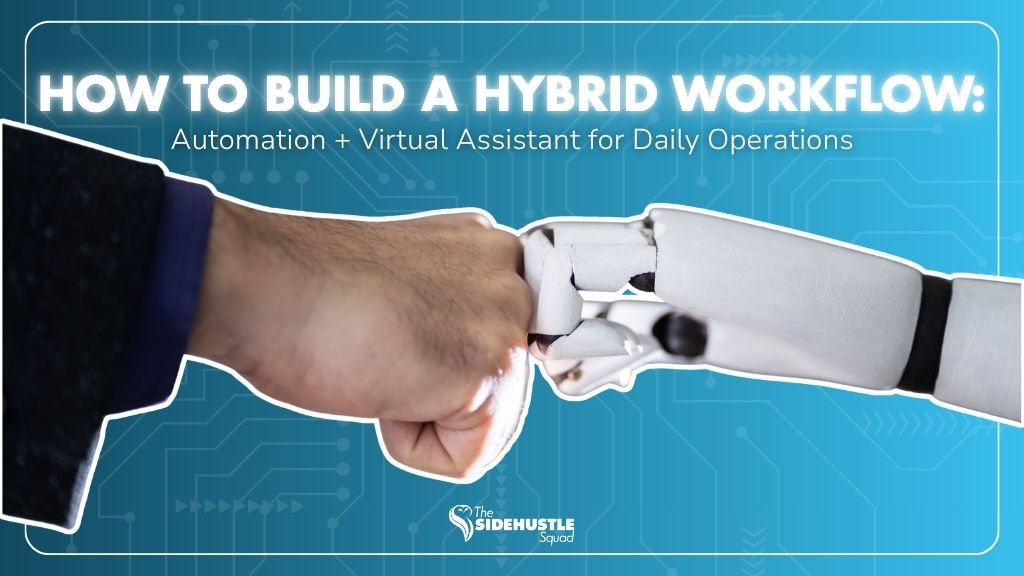
As businesses grow, so does the complexity of daily operations.
More leads to track.
More messages to respond to.
More data to organize.
More tasks to manage.
The natural response for many business owners is to look for automation tools.
And while automation is powerful, it’s not a complete solution.
The most efficient businesses today don’t rely on automation alone. They build hybrid systems, combining automation with human support.
This is where an automation and virtual assistant workflow becomes a game-changer.
Why Businesses Need Hybrid Systems (Not Just Automation)
Automation is designed to handle repetition.
But business operations are rarely 100% repetitive.
There are always:
• Exceptions
• Context-based decisions
• Client-specific requests
• Situations that require judgment
When businesses rely purely on automation, gaps start to appear.
Workflows break when something unexpected happens.
Messages feel robotic.
Data becomes inaccurate without human checks.
A hybrid workflow solves this by combining:
• Automation for speed and consistency
• Virtual assistants for oversight and flexibility
This balance creates systems that are both efficient and reliable.
What Automation Does Best in Daily Operations
Automation is most effective when tasks follow clear rules and patterns.
Here are the areas where it performs best:
Repetitive Tasks
Automation can handle actions that happen frequently with little variation.
• Sending confirmation emails
• Assigning tasks after form submissions
• Moving leads through pipeline stages
This removes manual effort from routine processes.
Notifications and Triggers
Automation ensures nothing gets missed.
It can:
• Send reminders
• Trigger alerts for new leads
• Notify teams of status updates
This keeps workflows moving without constant monitoring.
Data Syncing
Automation connects different tools and systems.
For example:
• Syncing form entries to a CRM
• Updating spreadsheets automatically
• Transferring data between platforms
This reduces manual data entry and improves accuracy.
Where Virtual Assistants Add More Value
While automation handles repetition, virtual assistants handle everything that requires thinking, context, and coordination.
Decision-Making
Not all tasks can be pre-defined.
A virtual assistant can:
• Prioritize tasks
• Assess urgency
• Decide next steps based on context
This prevents workflows from stalling.
Communication
Automation can send messages but it can’t truly manage conversations.
A VA ensures:
• Emails are clear and personalized
• Clients receive thoughtful responses
• Follow-ups are handled appropriately
This improves client experience and relationship-building.
Exception Handling
Every system eventually encounters exceptions.
A virtual assistant can:
• Fix errors
• Handle incomplete information
• Adjust workflows when needed
This keeps operations running smoothly even when things don’t go as planned.
A Sample Hybrid Workflow (Step-by-Step)
To understand how this works in practice, here’s a simple example of a hybrid workflow for lead management:
Step 1: Lead Capture (Automation)
A form submission automatically captures lead details and sends them to your CRM.
Step 2: Initial Response (Automation)
An automated email confirms receipt and sets expectations.
Step 3: Lead Review (VA)
A virtual assistant reviews the lead, checks completeness, and qualifies it.
Step 4: Follow-Up (VA + Automation)
The VA sends a personalized message or triggers a follow-up sequence.
Step 5: Scheduling (Automation)
A booking link allows the lead to schedule a call automatically.
Step 6: Reminder & Prep (Automation + VA)
Automated reminders are sent, while the VA prepares notes or context for the meeting.
This combination ensures:
• Speed from automation
• Accuracy and personalization from human support
Tools Commonly Used in Hybrid Systems
Hybrid workflows don’t require complex tools, just the right combination.
Common tools include:
• CRM platforms (HubSpot, GoHighLevel, Salesforce)
• Automation tools (Zapier, Make, built-in CRM automations)
• Email & communication tools (Gmail, Outlook, Slack)
• Project management tools (ClickUp, Trello, Asana)
• File storage systems (Google Drive, OneDrive)
The key isn’t the number of tools, it’s how well they work together.
How to Start Building Your First Hybrid Workflow
You don’t need to automate everything at once.
Start simple and build gradually.
Here’s a practical approach:
1. Identify Repetitive Tasks
Look for tasks that happen daily or weekly.
These are the best candidates for automation.
2. Identify Tasks That Require Judgment
Anything involving communication, decision-making, or coordination should be handled by a VA.
3. Map Your Workflow
Break down each step:
• What triggers the task?
• What happens next?
• Who handles it, system or person?
4. Assign Roles Clearly
Define:
• What automation handles
• What your virtual assistant manages
Clarity prevents overlap and confusion.
5. Test and Refine
No system is perfect from day one.
Monitor how the workflow performs and adjust as needed.
Automation alone can improve efficiency, but only to a certain point.
Virtual assistants add the human layer that keeps systems functional, flexible, and reliable.
When combined, they create a scalable operational system that supports growth without increasing overwhelm.
An effective automation and virtual assistant workflow isn’t about replacing effort, it’s about redesigning how work gets done.
Less manual work.
More structured systems.
Better outcomes.
👇 Want help building your hybrid workflow?